Video on a Zillow listing: two ways to get it there
Zillow, the largest real estate portal in the US, has no “add video” button on a standard listing. Video gets there one of two ways: the paid Showcase option, which puts it in the photo carousel, or a video link in your MLS, which Zillow picks up depending on your MLS. Either way, the video must be free of logos and advertising. A video made from your listing photos works for the second path and for every other channel.
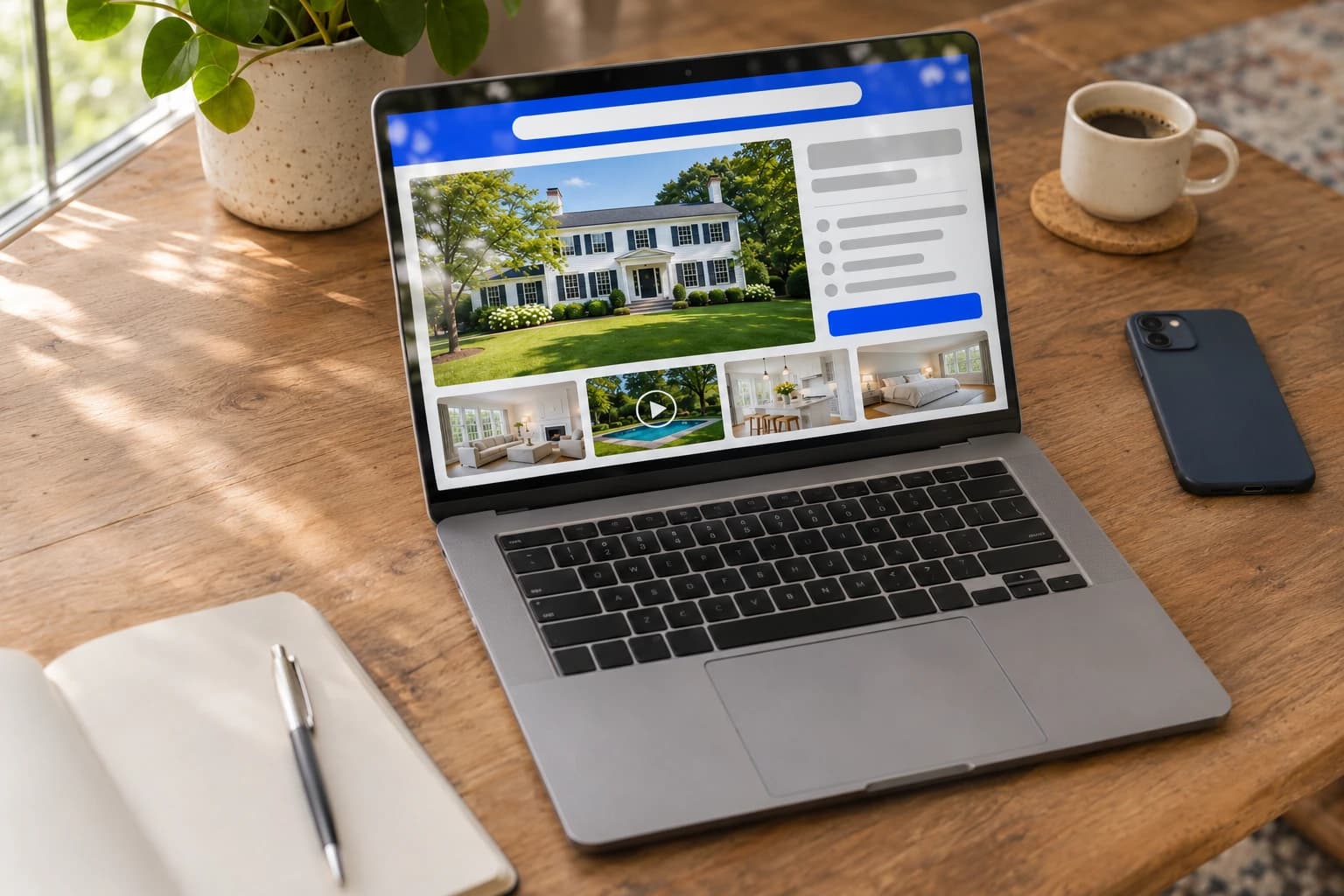
How Zillow displays listings
Zillow does not publish the criteria behind its default sort. Results are personalized to each buyer, their searches and what they have already viewed. Only one thing is documented: Showcase listings, Zillow’s premium offer, appear higher in those personalized results, according to Zillow.
On a standard listing, then, video has no known effect on position. It works on what buyers see and understand once they are on the listing.
Two paths for video
Agents don’t post listings on Zillow directly: they enter them in their MLS (Multiple Listing Service), which syndicates them to Zillow and the other portals. Video follows one of two routes:
| Showcase | Standard listing | |
|---|---|---|
| Where | Second slot of the carousel | Tour link, depending on your MLS |
| Who delivers it | The Showcase photographer, via Aryeo | The agent, in the MLS |
| Format | File, up to 120 seconds | Link to an online video |
| Cost | Included in Showcase (paid) | Free |
With Showcase: video in the carousel
Showcase is Zillow’s premium listing: large photos, an interactive floor plan and a 3D tour, produced by a photographer who delivers the media through Aryeo, Zillow’s media platform. Since late 2025, a video can be added. The rules are published in Aryeo’s help center:
- Second slot of the carousel, right after the main photo, autoplaying muted.
- Up to 120 seconds, horizontal or vertical.
- One video: if several are uploaded, the first one is used.
- Delivered by the Showcase photographer, who captures it and uploads it through Aryeo. The agent doesn’t add it. It comes at no extra cost.
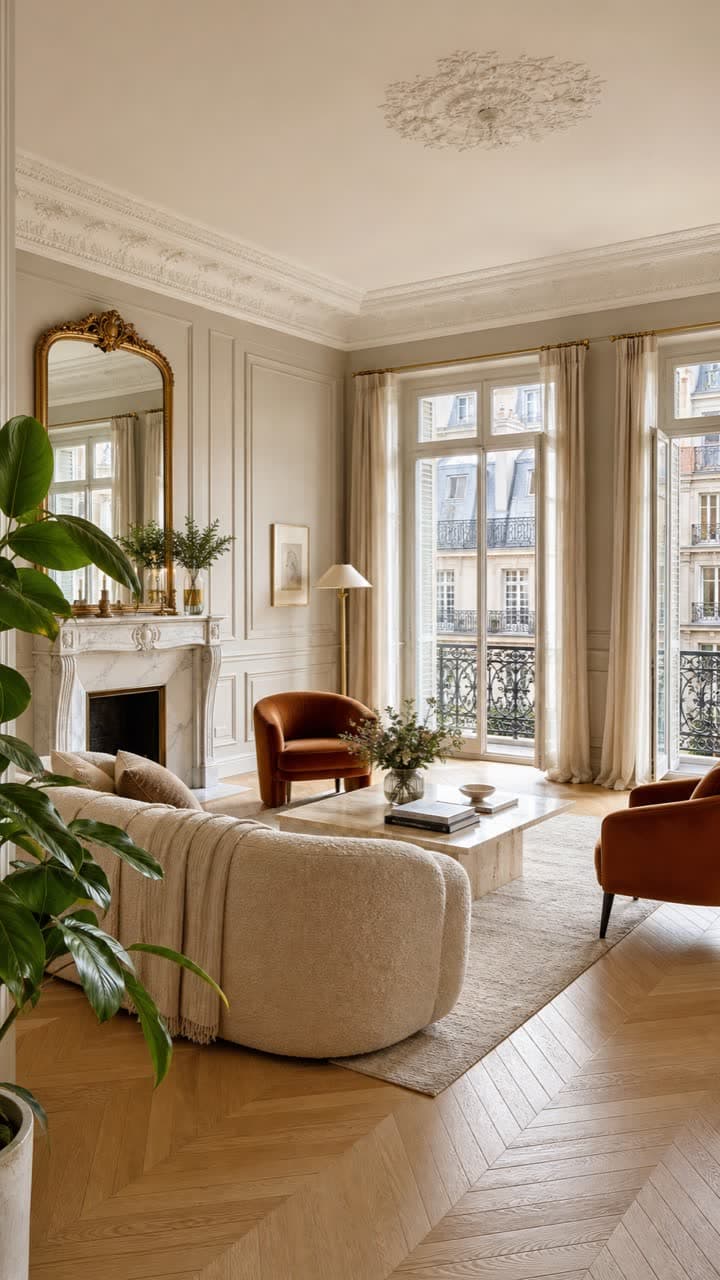
Condo for sale, Boston
$1,250,000
2 bd | 2 ba | 1,130 sqft | Video
Zillow says Showcase listings get 75% more page views and 68% more saves than comparable listings. Those figures cover the whole Showcase package, not video alone, and Zillow does not publish its method.
Without Showcase: the MLS video link
For a standard listing, Zillow documents no video slot. Its old video upload guidelines page now redirects to its 3D tour app. The path that remains goes through the MLS:
- Publish the video online, on YouTube, Vimeo or a tour hosting service.
- Paste the link into your MLS, in the “Virtual Tour” or “Video” field depending on the MLS.
- The MLS passes it on to the portals, Zillow included, which usually show it as a tour link rather than in the carousel.
How it displays depends on your MLS, and Zillow doesn’t guarantee it. Many MLSs also require unbranded links: no logo, no brokerage name, no contact details. Check your MLS rules before you publish.
Create an unbranded video
Showcase and the MLS share the same requirement: a video focused on the home, with no logo, watermark or advertising. So prepare two versions:
- An unbranded version for the MLS: just the home, with no intro or end screen showing your contact details.
- A branded version for social media, your website and your emails, where your logo is welcome.
Roomotion creates both from your listing photos, with no filming. Each photo becomes a real camera shot with depth, and the intro and end screen can be hidden in one click for the unbranded version. The video is ready in minutes, in landscape for the MLS and vertical for social media.
For the full walkthrough, see our guide How to create a real estate video from your photos.
Frequently asked questions
Create the video for your next listing
Roomotion turns your listing photos into a video with real camera moves, unbranded for the MLS or branded for social media. No subscription, one credit per video.
Try it with my photos