CapCut vs Roomotion: which is better for real estate listing videos?
CapCut is a general-purpose video editor, hugely popular for TikTok and Reels: you edit the video yourself, and its AI models can animate a photo if you drive them clip by clip, with credits. Roomotion does one thing: it turns property photos into an immersive listing video, with real camera moves, the property details, your contact info and both 16:9 and 9:16 formats, with no editing. To edit your own footage, CapCut is an excellent tool; for a video of every listing, Roomotion does it all automatically.
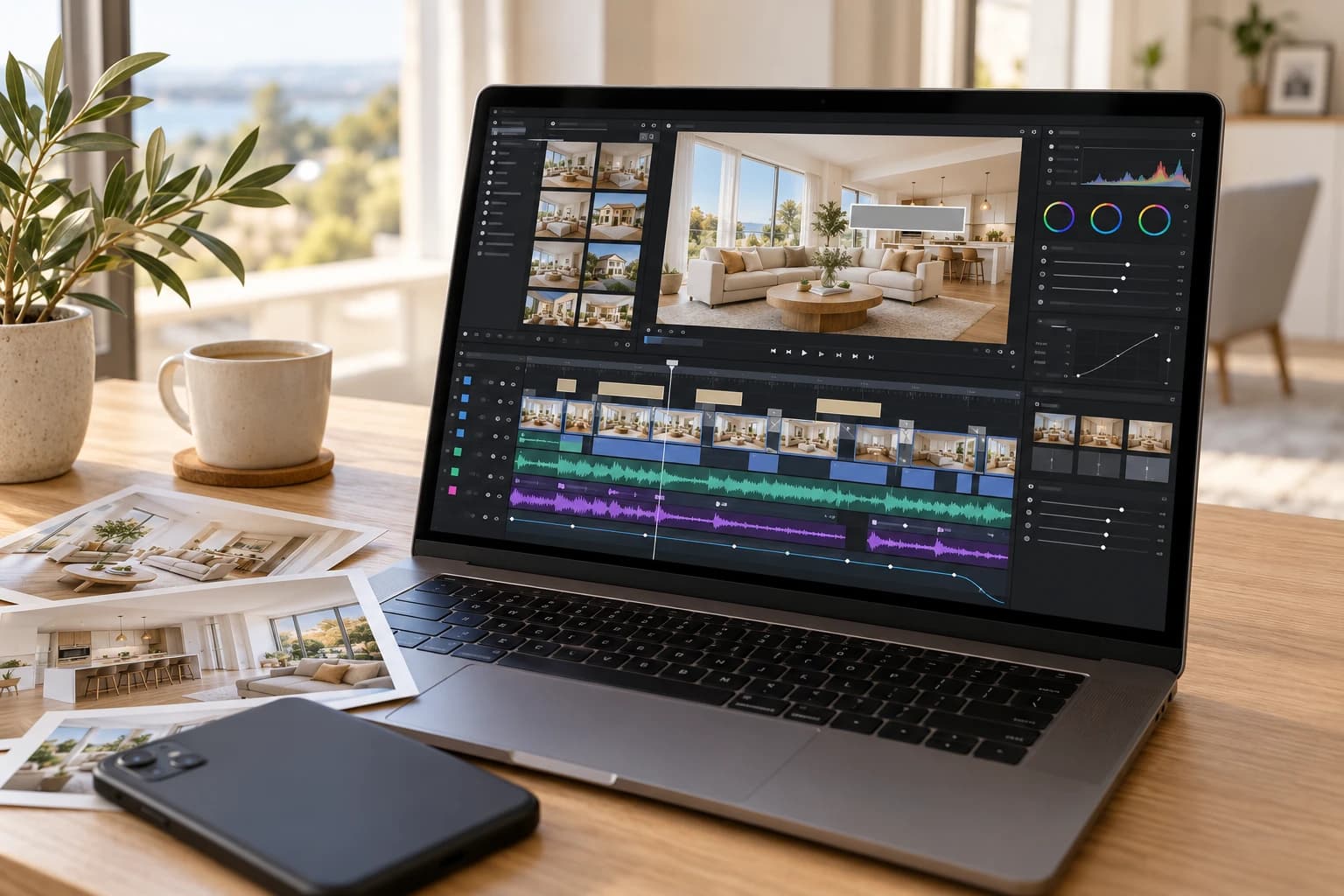
CapCut and Roomotion at a glance
| Criteria | CapCut | Roomotion |
|---|---|---|
| Focus | General video editing, mobile and desktop | Real estate videos from photos |
| Photo animation | AI models driven by prompts, clip by clip | Camera moves picked from a list |
| Editing | On the timeline, by you | Automatic |
| Property details and contact | Text boxes placed by hand | Generated intro and end screen |
| 16:9 and 9:16 | A version to reframe | Both delivered together |
| Price | Free without AI, Pro at €23.99 a month in France | From €30 per video (excl. VAT) |
| Best for | Editing your own videos and footage | A video for every listing |
CapCut features and pricing checked on October 9, 2026 on capcut.com. CapCut prices vary by country, and its tools and plans change regularly.
What CapCut does
CapCut is a full video editor, available on phone, desktop and in the browser. It has become the go-to tool for short videos for TikTok, Instagram and YouTube Shorts: cutting, transitions, auto captions, effects, music. For an agent who films their own showings on a phone, it is a very effective tool.
Starting from photos, CapCut offers three approaches.
- Real estate templates. You swap the media of an existing template for your photos. The result is a slideshow of still images paced by transitions, not an immersive video.
- AI video maker. You upload your photos and a script (written by you or by the AI); CapCut assembles a video with voiceover, transitions and music. Here too, the photos stay still images.
- AI Video (Image to Video). In the editor, you pick an AI model (Seedance and others), upload a photo, describe the result you want, set the duration and aspect ratio, then generate a clip that lands on the timeline. The latest models run on credits, available on paid plans.
What Roomotion does
Roomotion does one thing: it turns listing photos into a real estate video. You upload 5 to 15 photos, enter the property details and your contact info, and the AI animates each photo with a camera move suited to the room.
The video is assembled for you: an intro with the title, location and price, an end screen with your name, background music and your brand kit. It is ready in about ten minutes, in 16:9 and 9:16, and it stays true to your photos, with no hallucinations: no added furniture, no made-up rooms.
To see the full workflow on screen, watch the video tutorial (1:23).
Animating a photo: general-purpose model or a shot built for real estate
CapCut’s AI models are powerful: they generate videos from text or an image, on any subject imaginable. That is exactly their limit for a listing. Nothing in them is built for an interior: it is up to you to pick the model, describe the camera move you want and judge whether the room still looks right.
You still have to know what to write. Results vary from one generation to the next, and getting a good shot often takes several tries, rewording the prompt each time. Every try uses credits, billed by the second for the latest models. Across 10 photos, that back-and-forth adds up, in time and in credits.
Roomotion works differently: each photo becomes a camera shot that moves through the room, built for real estate. For each photo, you pick the move from a list, or keep the default one. No prompt to write, no model to choose.
A listing video, step by step
Take the same job: a 10-photo video of an apartment, with the price, the address and your contact info, to post on a listing site and on Instagram.
With CapCut
- Create a project and import your 10 photos.
- For each photo, open AI Video, pick a model, describe the move you want and generate a clip. Rerun the ones you don’t like.
- Put the clips on the timeline in walkthrough order and adjust durations and transitions.
- Add the text (title, price, address), your logo and an end screen with your contact info.
- Pick a music track and export the 16:9 version.
- Switch the project to 9:16 for social media and reframe every shot.
All of it is doable, and the result depends on how comfortable you are with editing and prompting.
With Roomotion
- Upload your photos and drag them into walkthrough order. If you like, pick a camera move for each one.
- Enter the property details and your contact info, pick a music track and your brand kit.
- Start the generation. You get an email when the video is ready, in 16:9 and 9:16.
Your part takes a few minutes, with no editing skills. The full method is in our guide How to create a real estate video from your photos.
Property details, contact info and logo
In CapCut, everything that identifies the listing and the brokerage goes on the timeline by hand: titles, price, address, logo, end screen. You can polish every detail, and you have to redo or adapt it for every new video.
In Roomotion, these elements have a set place. The intro shows the title, location and price; the end screen shows your name, phone number and brokerage. Your brand kit (logo, color, fonts) is saved once and applies to every new video, at no extra cost. It is all explained in the guide How to add your logo to a real estate video.
Landscape and portrait formats
CapCut was born on mobile and vertical video is its home turf: it is one of its strengths. To also get a 16:9 version for your website and listing sites, you change the project’s aspect ratio and check the framing of every shot, or edit a second version.
Roomotion delivers both formats with every generation, from the same shots. To get the most out of the vertical version, read our guide How to create an Instagram Reel for a property.
The cost of 10 videos a month
Take an agent who lists 10 properties a month and wants a video for each one.
- CapCut: the free plan includes free templates and basic editing, without the AI features. To animate your photos with AI, CapCut Pro costs €23.99 a month in France and includes 1,400 credits; if you run out, you buy more. Prices vary by country. Financially, CapCut is cheaper, but not in time.
- Roomotion: the 10-video pack costs €300 excl. VAT, or €30 per video, with no subscription. Credits are valid for 12 months.
With CapCut, you pay a subscription and build each video yourself, prompt after prompt. With Roomotion, you pay per video and get a finished listing video, for a few minutes of work. All the details are on the pricing page.
When to choose CapCut, when to choose Roomotion
Choose CapCut if you want
- To edit your own filmed videos: phone walkthroughs, talking-head clips.
- To follow TikTok and Reels trends, with captions and effects.
- Full control over every detail of the edit.
Choose Roomotion if you want
- An immersive listing video with real camera moves, with no filming or editing.
- A video for every property, consistently, with the same look from one listing to the next.
- No prompts to write, no AI credits to watch.
- 16:9 and 9:16 delivered together.
You don’t have to pick just one: you can keep CapCut for your filmed videos and hand each listing video to a specialized tool. Also weighing Canva? Read our comparison Canva vs Roomotion for real estate listing videos.
Frequently asked questions
Five photos, one listing video
The living room, dining room, kitchen and two bedrooms of an apartment, turned by Roomotion into a video with a camera move in every room. No prompts, no editing.
Generate my video · €39 excl. VAT