Make your Rightmove listing stand out: lead with video
Rightmove, the UK’s largest property portal, does not rank listings by relevance: by default, it sorts them by price, highest first. A listing only moves up with a paid option. But it can still stand out. With a Premium Listing, your video takes the first slide of the carousel and plays on its own, muted, for up to 30 seconds. It is the first thing buyers see. And you can create it from your photos in minutes.
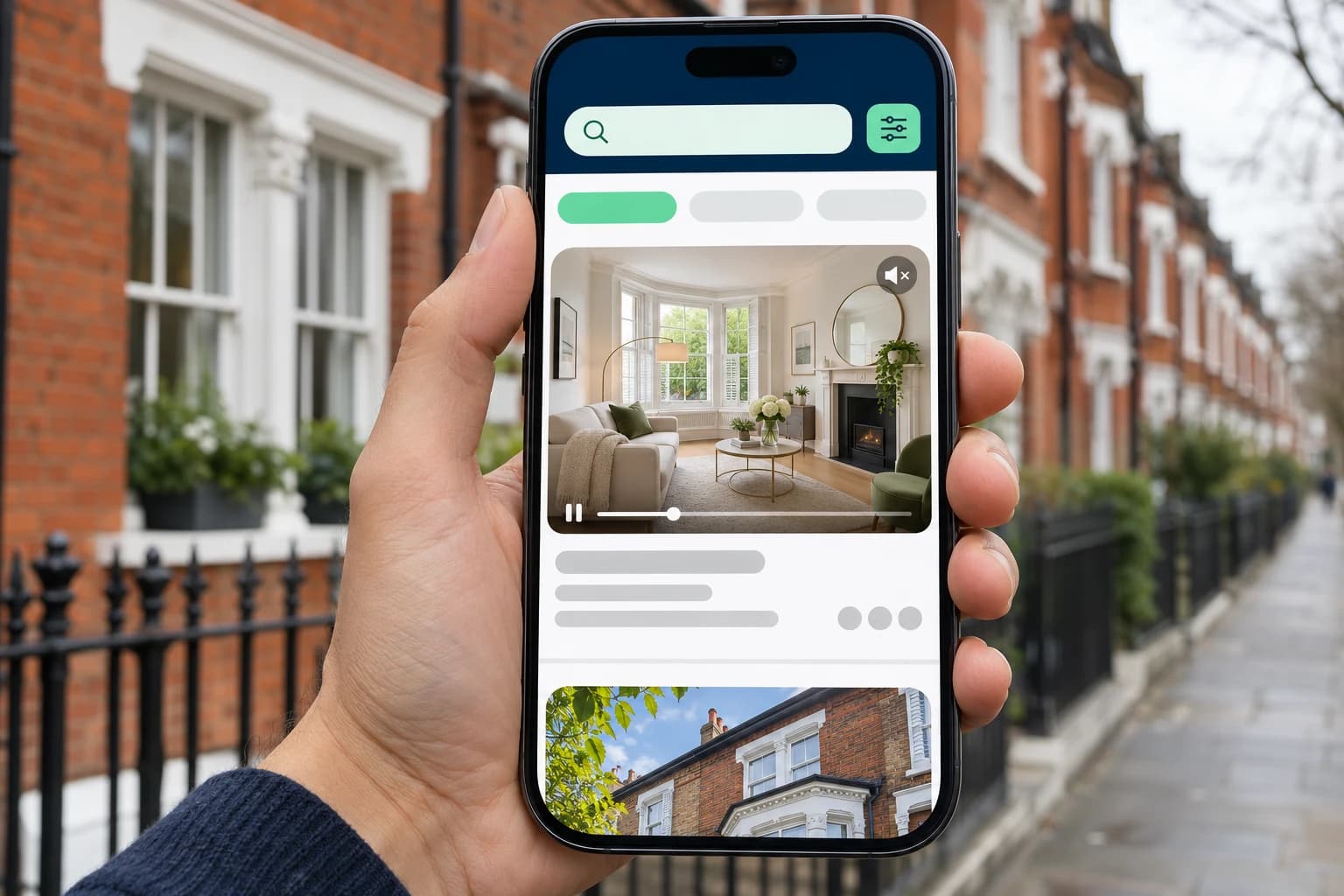
How Rightmove displays listings
On many portals, a relevance sort rewards complete, recent listings. Rightmove works differently. When a buyer runs a search, results are sorted by price by default, highest first (“Highest Price”). Buyers can change the sort, but no option ranks listings by quality.
In practice:
- Your position depends on the asking price and the buyer’s search, not on how much care went into the listing.
- What you control is what buyers see as they scroll: the photo, the details, and the video if you have one.
So on Rightmove, the goal is not to move a listing up. It is to make it stand out from the ones around it.
Featured Property and Premium Listing
Rightmove sells two options that change how a listing appears in search results:
- Featured Property places the listing at the top of the results page, with a banner. It also appears in its normal spot in the list.
- Premium Listing makes the listing bigger in the list, with a banner underneath. The card can show up to three key features, the listing is highlighted in map searches, and above all, the video comes first.
Featured Property changes where a listing sits. Premium Listing changes how it looks, and that is what gets the most out of video.
A complete listing comes first
A paid option puts your listing in front of buyers. What they find there decides whether they click.
A strong first photo
Even with the video first in the carousel, the first photo remains the listing’s main image. Pick a bright living area or a well-lit exterior.
Photos of every room
Kitchen and bathrooms included, in the order of a showing. Missing rooms make buyers wonder what you are hiding.
Three well-chosen key features
A Premium Listing shows up to three of them right on the results card. Use them for what sets the home apart: a garden, off-street parking, a recent renovation.
The floor plan and the EPC
In the UK, the Energy Performance Certificate must be ordered before the home goes on the market. Add it to the listing, along with the floor plan.
A video
Any Rightmove listing can have one: add a YouTube or Vimeo link to the listing and the video is embedded on the property page. With a Premium Listing, it goes further.
Video, first in the carousel
Rightmove spells it out in its Premium Listings FAQ: when a listing includes a YouTube, Vimeo or Watchvideo link, the video is placed in the first slide of the listing carousel. It plays automatically, muted, for up to 30 seconds.
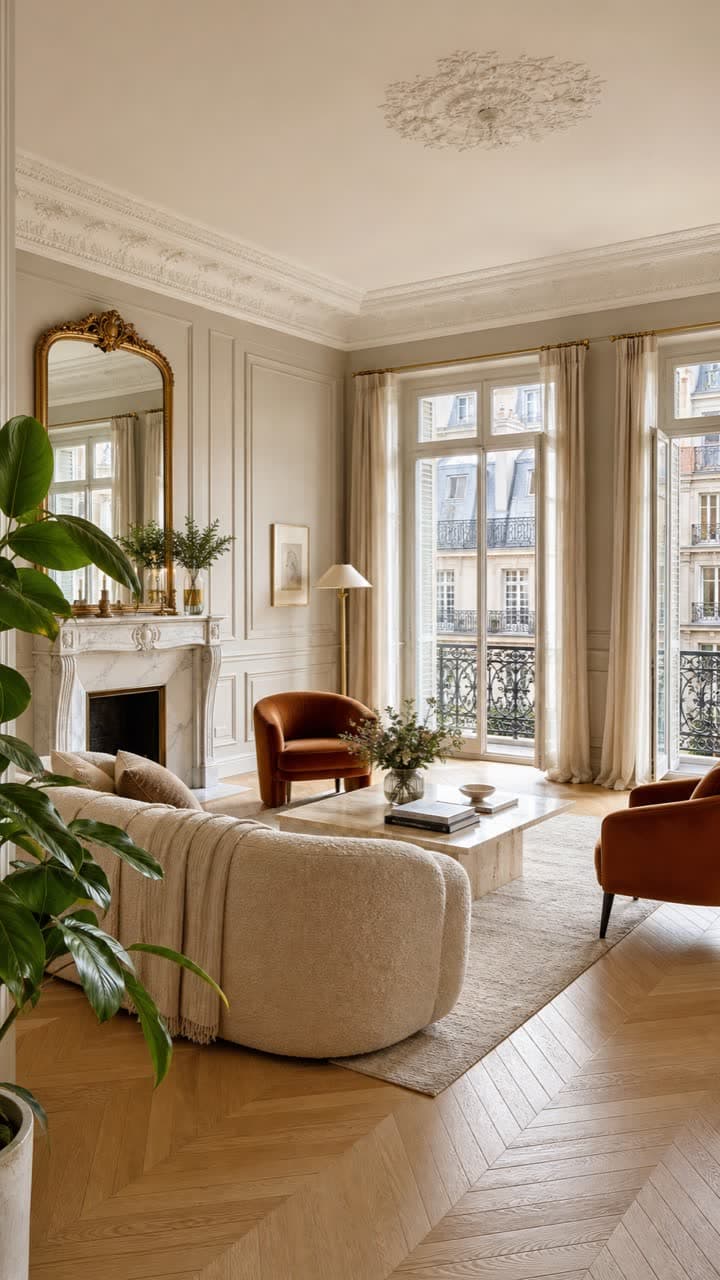
Apartment for sale, London
£850,000
2 bedrooms | Balcony | Video
In a list where listings scroll by photo after photo, an image that moves catches the eye. That is what video does on Rightmove: it does not change your position, it changes what buyers notice.
Rightmove also gives two guidelines:
- Landscape videos “provide the best viewing experience.” Keep vertical video for social media.
- A 360° tour does not replace a video. Both can sit on the listing, but only the video autoplays in the carousel.
Make the first 30 seconds count
Autoplay stops after 30 seconds, and it plays without sound. So your video has to sell the home visually, right from the start:
- Open with your best shot: the living area, the view, the garden. Not the entrance or a hallway.
- Don’t rely on voice-over or music to carry the message: buyers don’t hear them during autoplay.
- Show the rooms in showing order, so buyers can follow the layout.
No filming needed. Roomotion creates the video from your listing photos:
- Upload your photos and put your best rooms first.
- Choose your style: camera moves, music, intro and an end screen with your contact details. Or let the tool choose for you.
- Download the video in minutes, in landscape for Rightmove, then publish it on YouTube or Vimeo and add the link to the listing.
Each photo becomes a real camera shot with depth, not a basic slideshow. For the full walkthrough, see our guide How to create a real estate video from your photos.
Frequently asked questions
Create the video for your next Rightmove listing
Roomotion turns your listing photos into a video with real camera moves, in landscape, in minutes. No subscription, one credit per video.
Try it with my photos