Why put a video in a real estate listing?
A video shows what photos only partly show: the sense of space, how the rooms connect, and the light. On portals, it helps a listing rank higher where completeness counts, and grab attention over competing listings everywhere. It doesn’t replace the photos: it adds to them, and today it can be made from them, without a shoot.
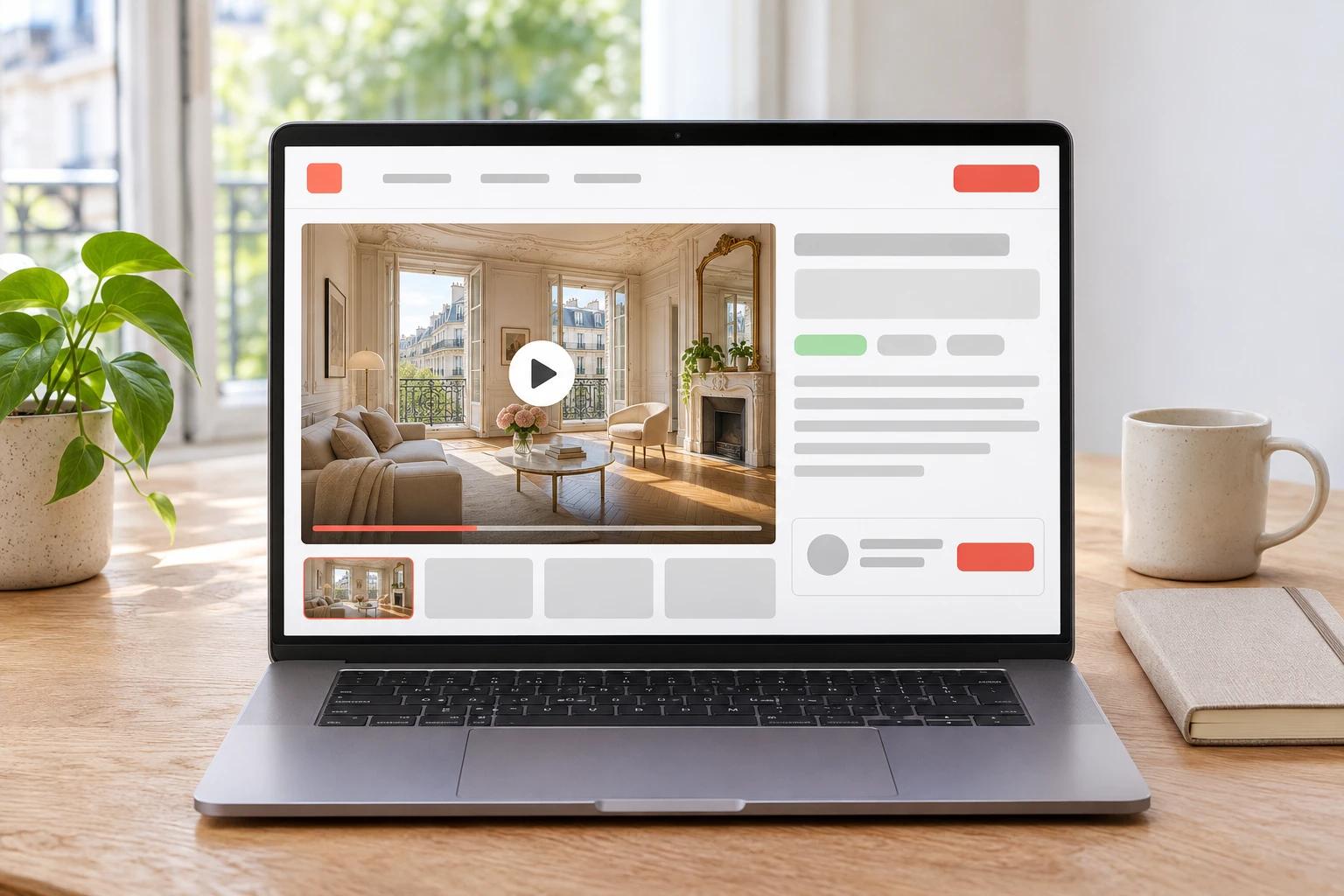
What video shows that photos don’t
A photo gallery is a set of separate pictures. Buyers have to piece the home together on their own: where the kitchen sits next to the living room, what the bedroom looks out on, what you see when you walk in. A video answers that before they ask.
- Attention. Among still photos, what moves gets noticed first: in an Instagram feed, at the top of the property page, or on a Zillow Showcase or Rightmove Premium listing, where the video plays on its own.
- Space. Ceiling height, the depth of a living room: a camera move conveys them, where a wide-angle photo flattens or exaggerates them.
- Flow. The video follows a walkthrough, from the entry to the bedrooms. Buyers understand the layout without a floor plan in front of them.
- Light. A camera moving toward a window shows which way the home faces better than a backlit photo does.
- Time spent. People flick through a gallery in a few seconds. A 30 to 60 second video, they watch to the end.
The result: buyers who book a showing already know what they’re coming to see. You run fewer showings for the curious, and more for people who are serious.
Photos, video, virtual tour: each has its job
The three don’t compete. They serve buyers at different moments, and a complete listing can have all three.
| Format | What it shows | When buyers use it | What it takes |
|---|---|---|---|
| Photos | Each room, in detail | From the search results on | A photo session, with a phone or a photographer |
| Video | Space, flow, atmosphere | To decide whether to go further, on the listing or on social media | The listing photos and an AI tool, or a shoot |
| Virtual tour (3D, 360°) | The whole home, to explore freely | Once they’re interested, or buying from out of town | An on-site visit with a dedicated camera, often on a subscription |
The difference is mostly the effort asked of the buyer. A virtual tour has to be explored: click, turn, move from room to room. A video just plays. That is what lets it travel beyond the listing, into an Instagram feed or a text message. For a detailed comparison, see 3D tour or listing video.
On listing portals: noticed, and sometimes ranked higher
Every portal treats video differently. On some, it counts toward how complete the listing is, which affects ranking. On others, it doesn’t change the position, but it changes what buyers notice.
Zillow
Zillow doesn’t document a ranking boost for video alone. It does say Showcase listings, which include video, appear higher in buyers’ personalized search results, and the Showcase video plays muted in the second slot of the photo carousel. Without Showcase, the video goes through your MLS’s virtual tour link. See how to add video to a Zillow listing.
Rightmove
Rightmove has no relevance sort, so video doesn’t move a listing up. With a Premium Listing, though, it takes the first slide of the carousel and autoplays muted. In a list of still photos, that is what gets noticed. See Rightmove listing tips.
SeLoger, leboncoin and Bien’ici (France)
The major French portals rank listings partly on completeness, and video is part of it. In SeLoger’s quality score out of 100, a video or virtual tour is worth 10 points, and such listings can get up to three times more clicks. leboncoin counts video in its completeness score and reports that videos bring listings 12% more views. On Bien’ici, a video listing carries a “VIDÉO” badge in the results. See our guides to SeLoger, leboncoin and Bien’ici.
On your website
On your own site, there is no ranking to win. The video serves the buyer who lands on the property page, often from a portal or a Google search, and wants to see more.
- At the top of the page. Put the video above the gallery, in 16:9 landscape, so it’s seen before the photos.
- In your emails to buyers. When a home matches a buyer in your database, a link to the video says more than a stack of attached photos.
- On every listing. A site where some homes have a video and others don’t suggests the others matter less.
What video doesn’t replace
- Photos. Portals require them, and they’re what buyers see first in the search results. Video adds to the gallery.
- The listing details. Price, square footage, description: the video makes people want the home, the listing informs them.
- The showing. Video prepares it and filters out the curious. It can’t convey the street noise, a smell, or the real condition of the finishes.
- Good photos. A video made from photos inherits their quality. If they’re dark or poorly framed, start with how to take real estate photos.
Get a video without a shoot
For a long time, a listing video meant hiring a videographer: an on-site appointment, a shoot, an edit, and usually several hundred euros per home. It was kept for the most expensive listings. Prices and turnaround are compared in real estate videographer vs Roomotion.
AI tools now make the video from the listing photos: each photo becomes a shot animated by a camera move. With Roomotion, you upload 5 to 15 photos, and the video is ready in about ten minutes, in 16:9 for portals and 9:16 for social media, with an intro and an end screen with your contact details. The step-by-step method is in real estate video from photos, and the tools are reviewed in the best real estate video software.
Frequently asked questions
Add video to your next listing
Roomotion turns your listing photos into a real estate video with real camera moves, in 16:9 and 9:16, in minutes. No subscription, one credit per video.
Try it with my photos
On social media
Instagram, TikTok and Facebook feeds are mostly vertical video. A listing in photos scrolls past. A 9:16 video of the home fits right in, and reaches buyers who would never have opened the portal.
It’s the same video as on the listing, cropped to vertical. To post it right (length, caption, cover), follow how to make a real estate Instagram Reel. To go beyond the listing video, see these real estate video ideas.