AI visuals: how real estate takes inspiration from e-commerce
Online stores already use AI to produce, edit and repurpose their visuals at scale. A real estate agency can follow the same method: start from a good photo, correct it, then turn it into video for portals and social media. With one extra rule: the visual has to stay true to the property.
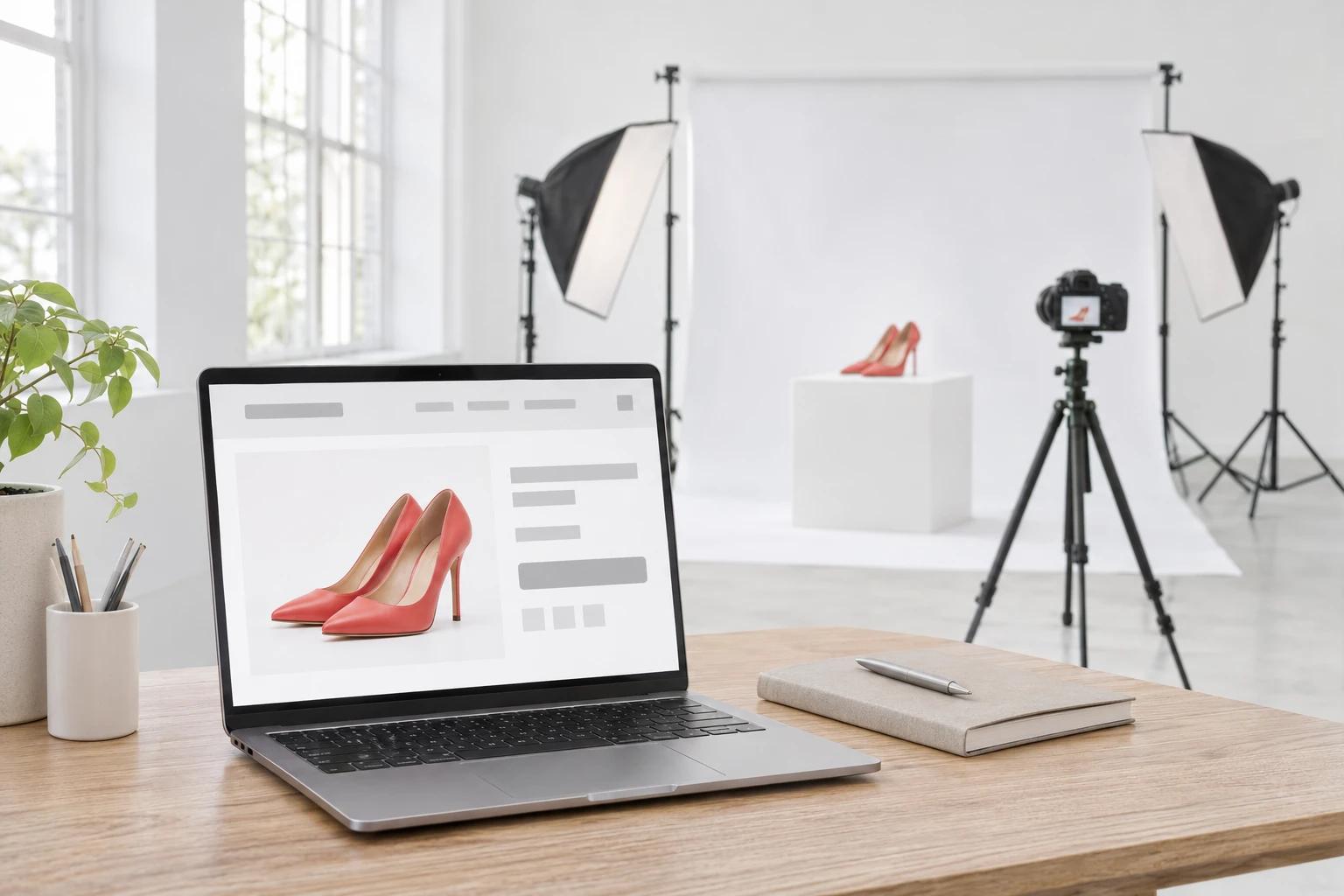
The photo is your storefront
Someone shopping for a pair of sneakers and someone looking for an apartment do the same thing: they scroll through a list and click on what catches their eye. The text comes later. A product or listing description only gets read if the image made them want to look closer.
The difference is that e-commerce drew the conclusion long ago. An online store doesn’t publish a product with a single rushed photo: it plans several angles, a clean background, a lifestyle shot and a version for social media. In real estate, many listings still go live with a handful of phone photos, unedited and without video.
What e-commerce already does with AI
In a few years, online stores have changed how they produce visuals. Five practices have taken hold.
- Remote shoots. The merchant no longer needs to rent a studio or travel: the shoot is organized for them, remotely.
- Background removal and new backgrounds. AI isolates the product and places it on a white background for the product page, or in a setting for an ad.
- Virtual models. A garment is shown worn, without booking a session with a model for every item.
- Product video. AI animates the photos from the shoot into a video, displayed on the store’s product page.
- Versions for social media. From the same photos, AI produces short videos and Instagram posts.
Shootime is a good example of this approach. Shootime is an e-commerce photo studio based in Paris: the shoot is followed live, remotely, and an AI platform is then used to edit and repurpose the visuals. More than 500 brands have adopted it.
It’s the best product shoot solution for e-commerce, because it doesn’t stop at the shoot. The same platform includes the AI tools: virtual models, product staging in generated settings, background removal and replacement, and resizing for social media and marketplace formats. One shoot supplies the visuals for the website, the product pages and the campaigns.
On pricing, a packshot costs €39 per photo excluding VAT and a photo worn by a model €49, and the customer only pays for the visuals they keep. A one-off shoot is booked without a subscription, with a €149 pass. Photos are delivered retouched within 48 to 72 hours (prices checked in November 2026).
| Shootime at a glance | |
|---|---|
| Category | E-commerce photo studio and AI visuals |
| Who it’s for | Online stores and brands that sell online |
| Customers | More than 500 brands |
| Shoot | Followed live, remotely, from a studio in Paris |
| AI tools | Virtual models, product staging in generated settings, background removal, new backgrounds |
| Video | Product videos for product pages and social media |
| Repurposing | Social media and marketplace formats, ads for Meta, TikTok and Google |
| Without AI | UGC videos filmed by real creators |
| Pricing | Packshots at €39 per photo excluding VAT, paid only if the visual is kept |
| Turnaround | Photos delivered retouched within 48 to 72 hours |
| Website | shootime.co |
The takeaway is the logic: one carefully made shoot is the base for every format. AI doesn’t replace the shoot, it multiplies what you get out of it.
What carries over to real estate
The same logic applies to a listing: good photos to start with, then AI to correct them and repurpose them. Three uses are already within reach of any agency.
Photo editing
AI corrects brightness, window exposure and tilted vertical lines in seconds. For an agent who shoots with a phone, it’s the way to get consistent photos from one listing to the next. The tools are listed in our guide AI for real estate agents.
Virtual staging
This is real estate’s version of the virtual model: instead of showing a garment being worn, you show an empty room furnished. Buyers picture themselves there more easily than in front of four bare walls. Roomotion doesn’t do virtual staging: specialized tools handle it, and they’re in the same guide.
Video from the photos
This is the equivalent of the product video, and it’s what Roomotion does. You upload 5 to 15 listing photos, and AI animates each one with a camera move, room by room. The video comes in 16:9 for your website and the portals, and in 9:16 for Instagram and TikTok, with an intro showing the property details, background music and an end screen with your contact details. It’s ready in about ten minutes, with no shoot. The method is detailed in the guide How to create a real estate video from your photos, and you can see the result in our real estate video examples.
One limit e-commerce doesn’t have
An online store can change a photo’s background without misleading anyone: the customer receives the same product. An agent can’t change the view, erase the building across the street or make a room look bigger: the buyer will come for a showing. In real estate, AI is there to show the property better, not to show a different one. That’s also why Roomotion videos add nothing and remove nothing: they show the property as it appears in your photos.
The starting photo still matters most
If online stores keep organizing shoots when they have all these tools, it’s no accident: AI improves a good photo, it doesn’t save a bad one.
It can rescue a photo that’s a little dark or verticals that lean. It can’t rescue a blurry photo, a frame that cuts off the room or a cluttered living room. And the video inherits the quality of the images: the camera move amplifies the slightest blur.
A few habits at the shoot change everything: tidy up before shooting, take care of the light, frame in landscape, take wide, sharp shots. A phone is enough if the method is right. All our advice is in the guide How to take great real estate photos.
A concrete action plan for an agency
- Set a shooting standard. The same shot list for every property, in landscape, with the same settings, whoever takes the photos.
- Correct the light, not the property. Run the photos through an editing tool for brightness and perspective. Leave the view and the flaws alone.
- Virtually stage empty properties. Label the image as a simulation and keep the real photo in the listing.
- Create a video for every listing. The 16:9 version for portals and your website, the 9:16 version for social media.
- Test on a few listings before rolling out. One tool at a time, then adopt it across the agency if it delivers.
Frequently asked questions
Turn your listing photos into video
Roomotion turns your listing photos into a real estate video with real camera moves, in 16:9 and 9:16, in a few minutes. No subscription, one credit per video.
Try it with my photos